
Quick tip: the right way to browse Google fonts

I came across this page a few days ago while reviewing the look of this website. My search for Google Fonts had taken me through a number of more limited preview pages, wasting a good deal of time. So I thought I’d share this tip with you.
If you use Adobe Creative Cloud, you may already know the Adobe Fonts page, which is handy for quickly finding the right typeface in Adobe’s font library.
As it turns out, Google Fonts offers a very similar browsing experience.
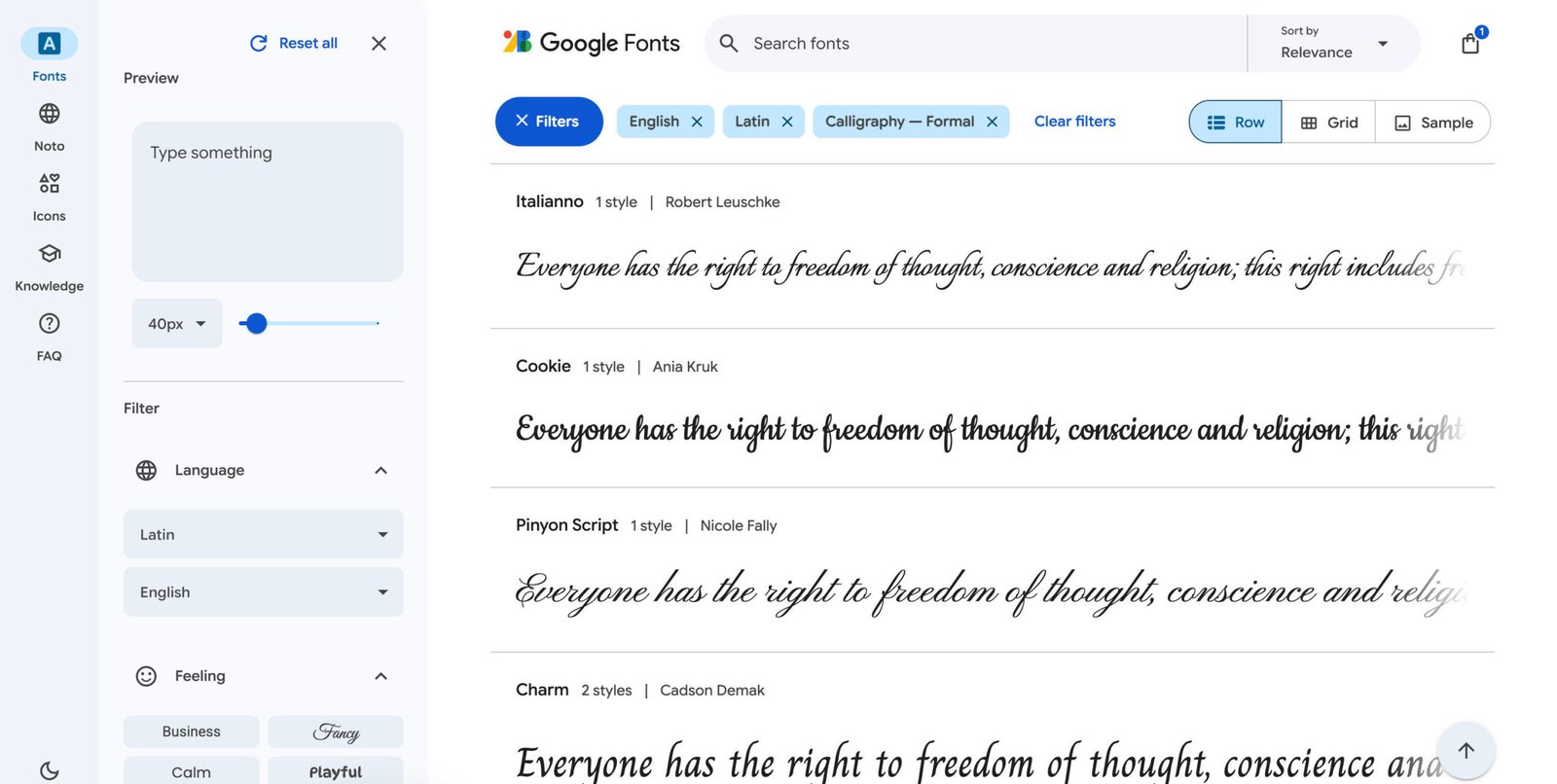
Rather than scrolling through a long alphabetical list, you can filter fonts by language, style, mood, and classification, while previewing your own text in real time.
Since Google Fonts are free and widely supported on the web, they’re also a valuable resource for web designers, bloggers, and anyone creating digital content.
Leave a Reply